![sched-logo.svg]](https://support.sched.com/hubfs/sched-logo.svg)

By resizing images, you can highlight your premier sponsor prominently, allowing you to adjust the size of their logo for optimal visibility and recognition. It’s a simple yet effective way to showcase your biggest sponsors in a visually appealing manner.
1. Go to the Sponsors tab, click after the tier label, and then select a size from S Size to XXL Size.
2. Click the Save button.
Good to know:
You can change the logo size of sponsors only after moving them from regular sponsor section to a tier level. Sizing doesn’t apply to regular sponsors.
Web Footer
Included in plans: Launch, Boost, Ultra
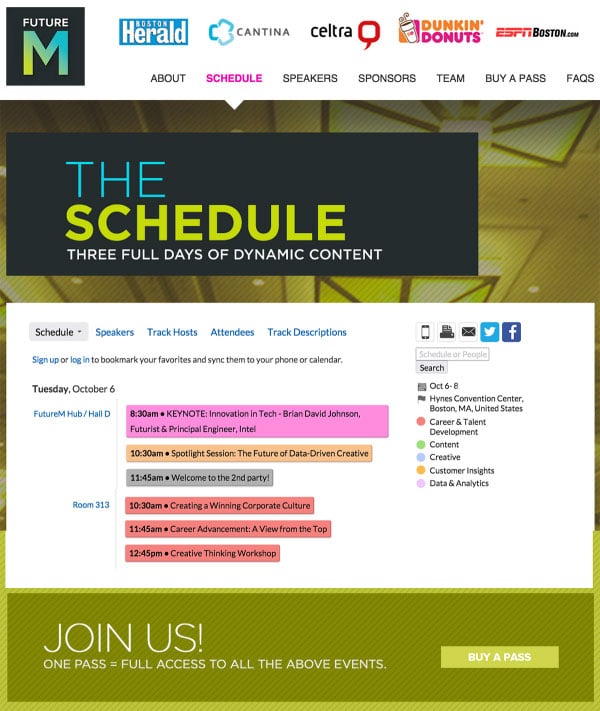
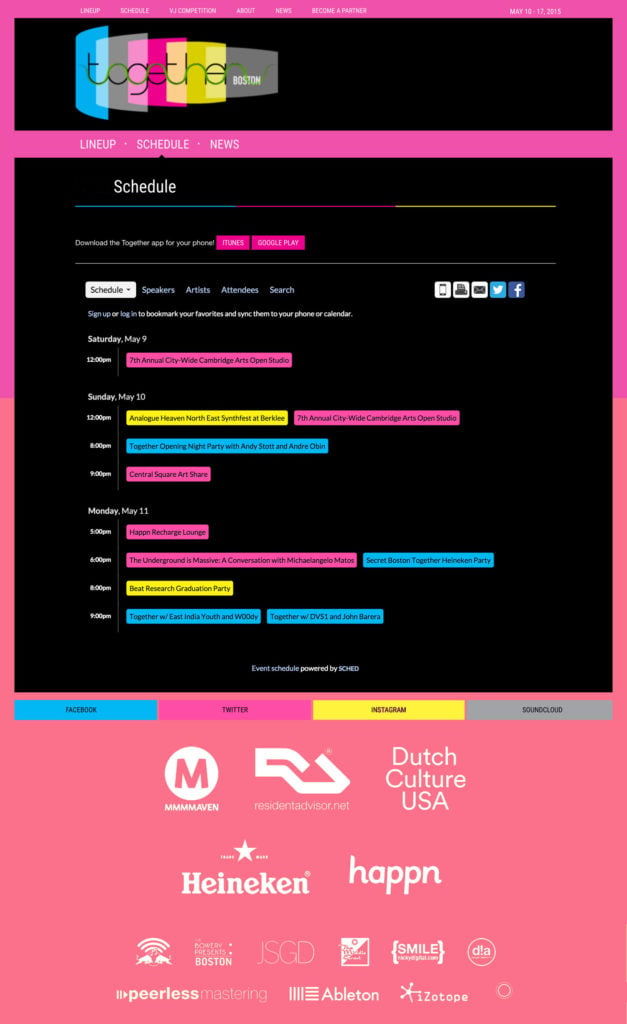
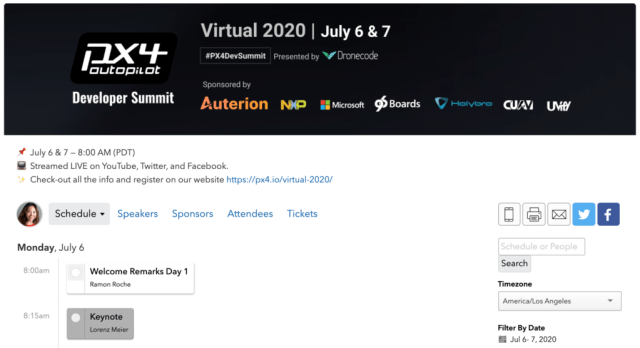
Use your footer image to feature your top sponsor(s).
Mobile Header
Included in plans: Launch, Boost, Ultra
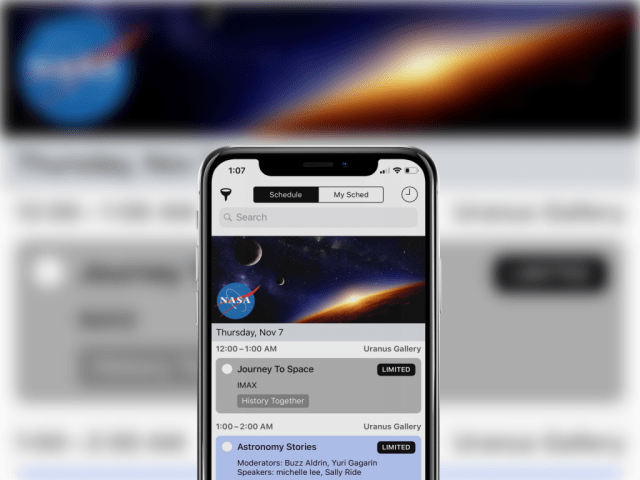
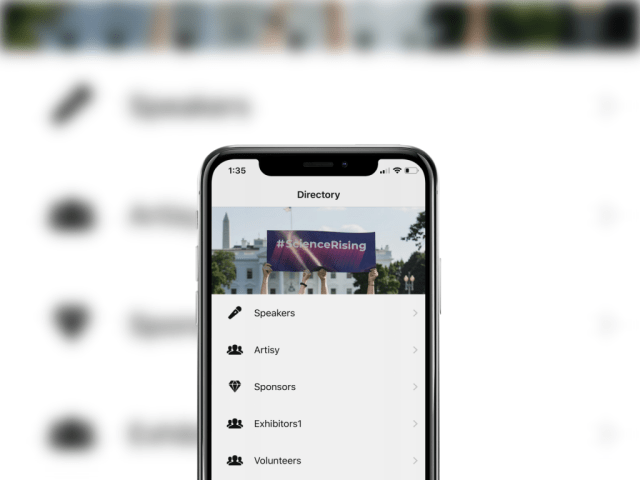
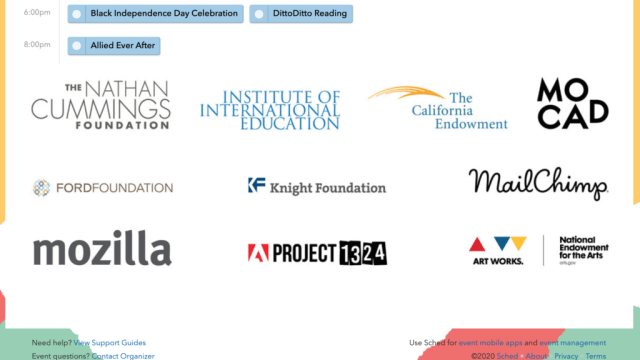
Include sponsor logos on your header banner to feature sponsors in the Sched app.